Search Engine APIsBing Search API
Basic API Requests
Send Bing Search API requests through the SERP API and receive search results as JSON.
The Bing Search API uses the SERP API endpoint and returns real-time Bing results in JSON. Every request must include your API key, the Bing engine, and a search query.
Request
GET https://serpapi.webscrapingapi.com/v2
curl --get "https://serpapi.webscrapingapi.com/v2" \
  --data-urlencode "api_key=YOUR_API_KEY" \
  --data-urlencode "engine=bing" \
  --data-urlencode "q=running shoes"
Required Parameters
| Name | Description |
|---|---|
api_key | Your SERP API key. |
engine | Must be bing. |
q | Search query to send to Bing. |
Optional Parameters
| Name | Description |
|---|---|
location | Geotarget location. Use together with lat and lon when you need a precise origin. |
lat | Latitude for the search origin. |
lon | Longitude for the search origin. |
cc | Country code for result localization. |
lang | Interface language. Use a two-letter code or a locale such as en-US. |
mkt | Bing market code. |
safesearch | Adult-content filter: off, moderate, or strict. Defaults to moderate. |
first | Offset that skips the first N results. |
count | Number of results to request per page. |
Response
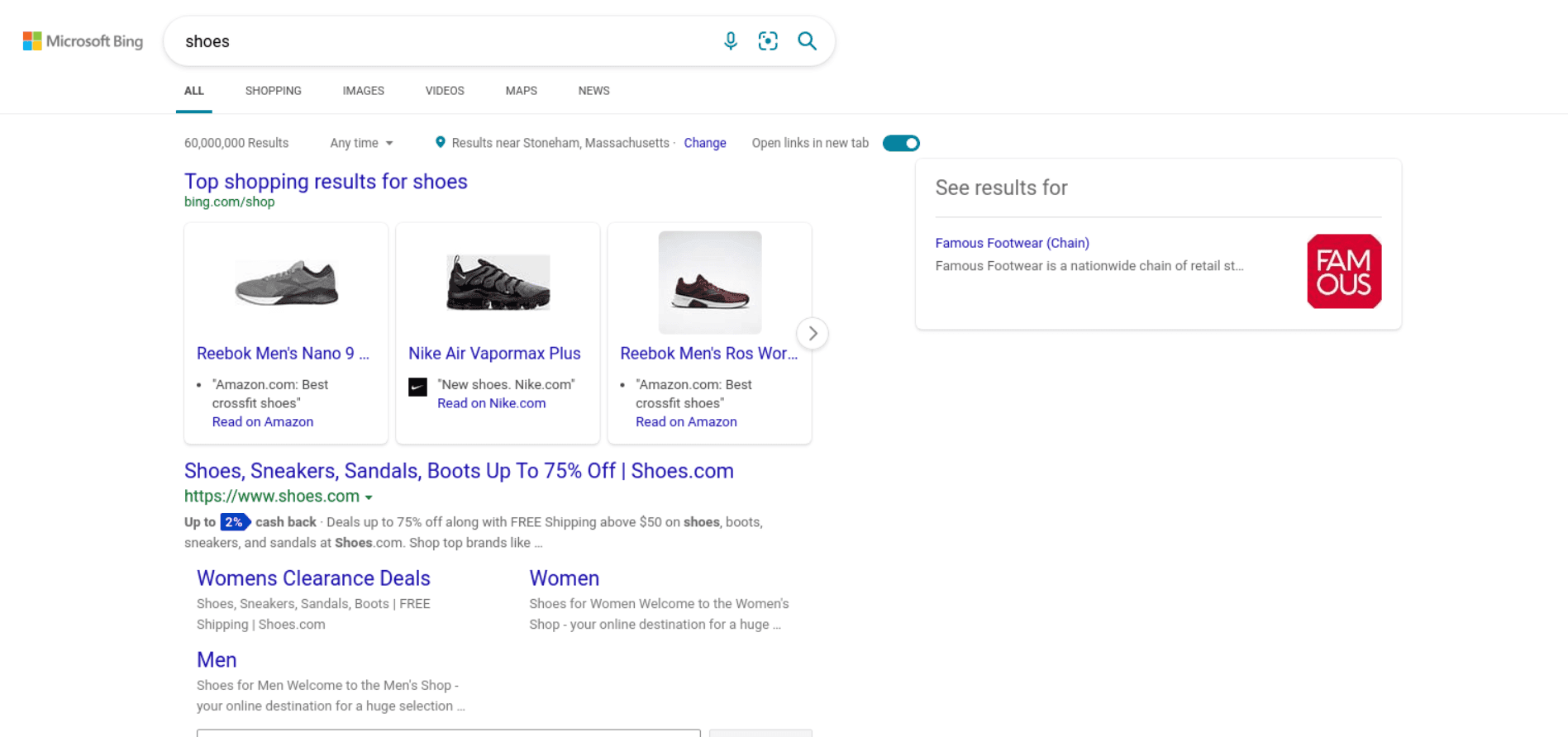
Bing results can include ads, organic results, related searches, images, and metadata. Sections vary by query, location, and market.
{
  "general": {
    "search_engine": "bing",
    "query": "running shoes",
    "results_cnt": 5780000,
    "search_type": "text"
  },
  "organic": [
    {
      "title": "Running Shoes",
      "link": "https://example.com/running-shoes",
      "display_link": "https://example.com",
      "description": "Shop running shoes for daily training and racing.",
      "rank": 1
    }
  ],
  "related": [
    {
      "text": "best running shoes",
      "link": "https://www.bing.com/search?q=best+running+shoes"
    }
  ]
}
Pagination
Use first to skip results and count to control the requested page size.
curl --get "https://serpapi.webscrapingapi.com/v2" \
  --data-urlencode "api_key=YOUR_API_KEY" \
  --data-urlencode "engine=bing" \
  --data-urlencode "q=running shoes" \
  --data-urlencode "first=20" \
  --data-urlencode "count=10"
Notes
URL-encode q when building requests manually. Request libraries and curl --data-urlencode handle encoding for you.
Keep api_key server-side. Do not expose it in browser code or public repositories.